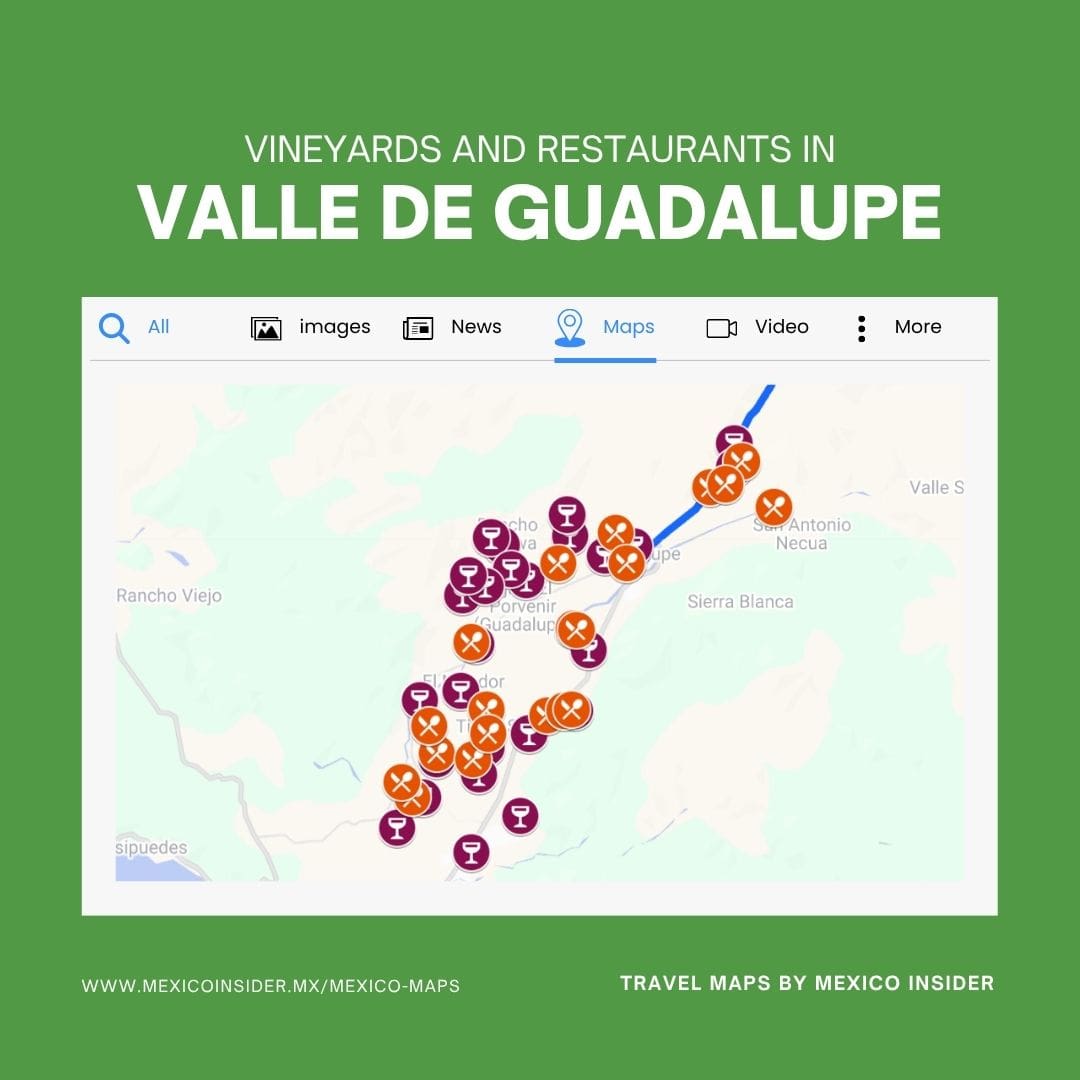
Get instant access to our curated Valle de Guadalupe Map. Every vineyard, tasting room, and restaurant is hand‑picked—no tourist traps, just the places we’ve actually tried and love. Save it once, and it lives inside your Google Maps across all devices.
Mobile access (iOS/Android)
- Open the link: Tap the private map link from your email or product page.
- Open in app: If it opens in a browser (My Maps), tap “Open in Google Maps.”
- Save the map: In Google Maps, tap Saved > Maps. You’ll see the Valle de Guadalupe map listed under your account.
- Enable layers: Open the map and toggle layers (vineyards, restaurants, experiences) to filter what you want.
- Use it on the go: Tap a pin for photos, notes, and insider tips. Start directions with one tap.
Desktop access (web)
- Open the link: Click the private map link; it will open in Google My Maps.
- Preview pins: Use the left panel to browse categories and click pins for details
- Send to phone: Click Share or Open in Google Maps, then use “Send to your phone” for quick handoff.
- Find it later: In Google Maps (web), open the menu ≡ > Your places > Maps to access it anytime.
Sync and offline use
- Stay signed in: Make sure you’re logged into the same Google account on all devices.
- Offline areas: In Google Maps app, go to Profile photo > Offline maps > Select your own map, then download Valle de Guadalupe. Pins and notes stay visible; live data (like hours) may not update offline.


Caitlyn –
Love this map of Valle de Guadalupe! My husband and I drove from San Diego and we planned our DIY wine tours through this map. Super helpful and highly recommend the content